When does the 3D Printer unlock?
The official pre-release guide lists DMZ Player Level 2. Further printing categories and recipes have their own progression requirements.
Preparation hub
Know which service you can use and what to check before spending supplies.
Updated
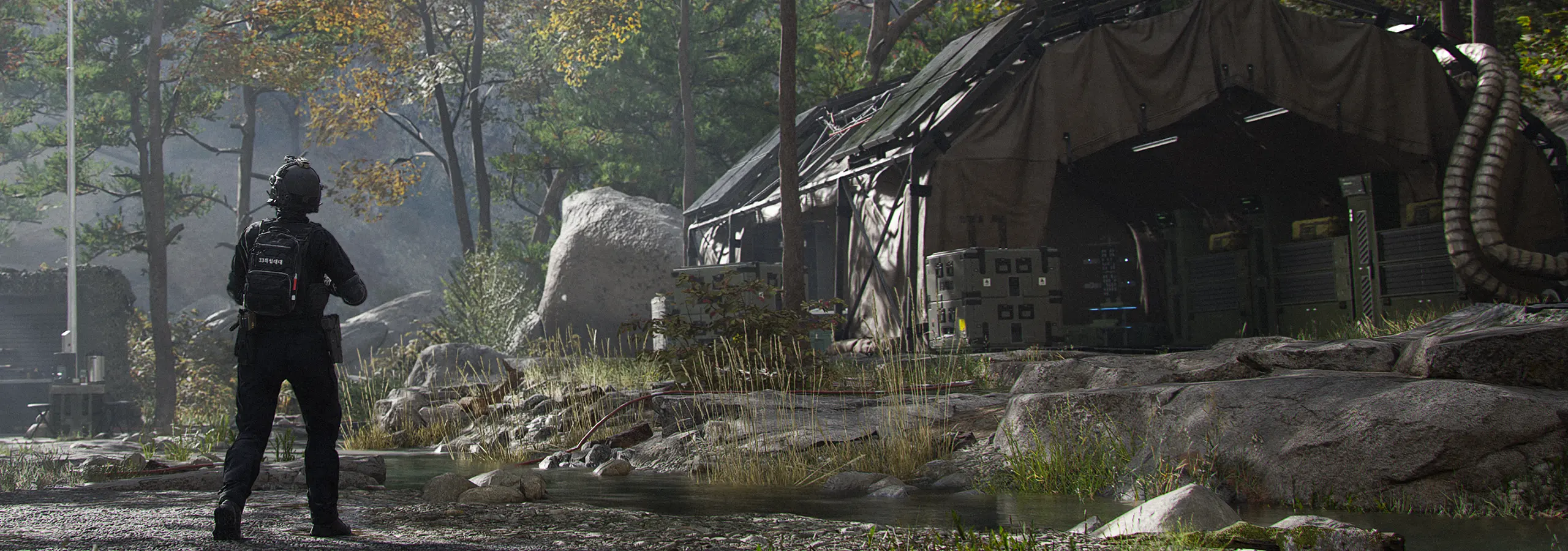
The Forward Operating Base is the hub between DMZ deployments. It manages Active Duty Operators, Orders, stored equipment, crafting and the next deployment. Use it to separate three choices: who is deploying, what they carry and what the run is for.
These are the requirements in the official October 9 FOB guide. Unlocking access is distinct from paying for a later capacity or service upgrade.
Swipe sideways to see all columns.
| Station | Announced unlock |
|---|---|
| Operators, Orders, Stash/Loadout, Firing Range, Survival Kits | Available immediately |
| 3D Printer | DMZ Player Level 2 |
| Boss Board | Complete the second DMZ Order |
| Vendor | DMZ Player Level 5 |
| Gunsmith | DMZ Player Level 10 |
| Dog Tag Case | DMZ Player Level 20 |
Items left in the Stash remain at the FOB. The Loadout is the equipment your selected Operator actively uses, while its Backpack carries additional items during deployment. Moving a valuable item from storage into deployed equipment exposes it to the relevant loss rules.
The published starting Stash has 40 general-item slots and 12 separately counted weapons. The Basic Pack has eight slots; other Backpacks expand capacity or add specialized slots. Inspect the actual bag instead of assuming all carried items are protected.
DMZ Cash, resource totals, intact Printer Ingredients and other collected inventory are shared across Active Duty Operators. Their Dog Tag progression and Traits are individual.
A recovered MIA Operator needs equipment again. Shared storage makes it possible to equip another available Operator, but it does not automatically transfer the previously selected loadout.
Station access can require DMZ Player Level or an Order milestone. Permanent improvements are then handled through the 3D Printer Upgrades category, using the required materials and other applicable inputs.
Published upgrade categories include Bank capacity, item and weapon Stash capacity, recovery discounts and ingredient printing. Fully completing an enhancement can require several prints. Check the current stage rather than copying a later-stage cost.
Use the problem you are actually encountering to decide what screen to inspect next. This is a preparation workflow, not a tested ranking of best upgrades.
Swipe sideways to see all columns.
| Current problem | Inspect first | Before spending |
|---|---|---|
| A service is unavailable | Its station unlock condition | Identify whether a level or Order milestone is missing |
| Equipment is insufficient for the next task | Ready Up loadout and accessible printer recipes | Check Free Loadout and usable stored gear |
| Storage repeatedly fills | Stash sorting, stack merging and capacity upgrade | Compare kept items with actual upcoming requirements |
| An Operator is MIA | Operators station and Bank | Compare recovery with another available Operator; recovery returns no gear |
| Two prints need the same material | Current recipe and upgrade requirement cards | Recalculate stock after the first purchase |
Inspect the After Action Report, move intact ingredients and useful gear into storage, compare your active goal with the next requirement, then equip the chosen Operator.
Do not sell solely by an item’s valuable label: the official guide says some Valuables are also used in FOB upgrades. Check the current requirement first. Review the next print again after spending, because several plans may rely on the same stock.
Official information reviewed October 19, 2026, before DMZ Early Access. This page covers published mechanics, not a first-hand playtest. The launch build may differ.
FAQ
The official pre-release guide lists DMZ Player Level 2. Further printing categories and recipes have their own progression requirements.
Yes. Collected inventory, DMZ Cash and resources are shared, but individual Operator progression is separate.
No. The unlock grants access. Further permanent improvements have their own requirements, often through the printer’s Upgrades category.