Does every crafting material use Stash space?
The four broken-down resources have separate totals. Intact Printer Ingredients are stored as inventory items.
Crafting
Read the six announced starter recipes, then track only the materials you still need.
Updated
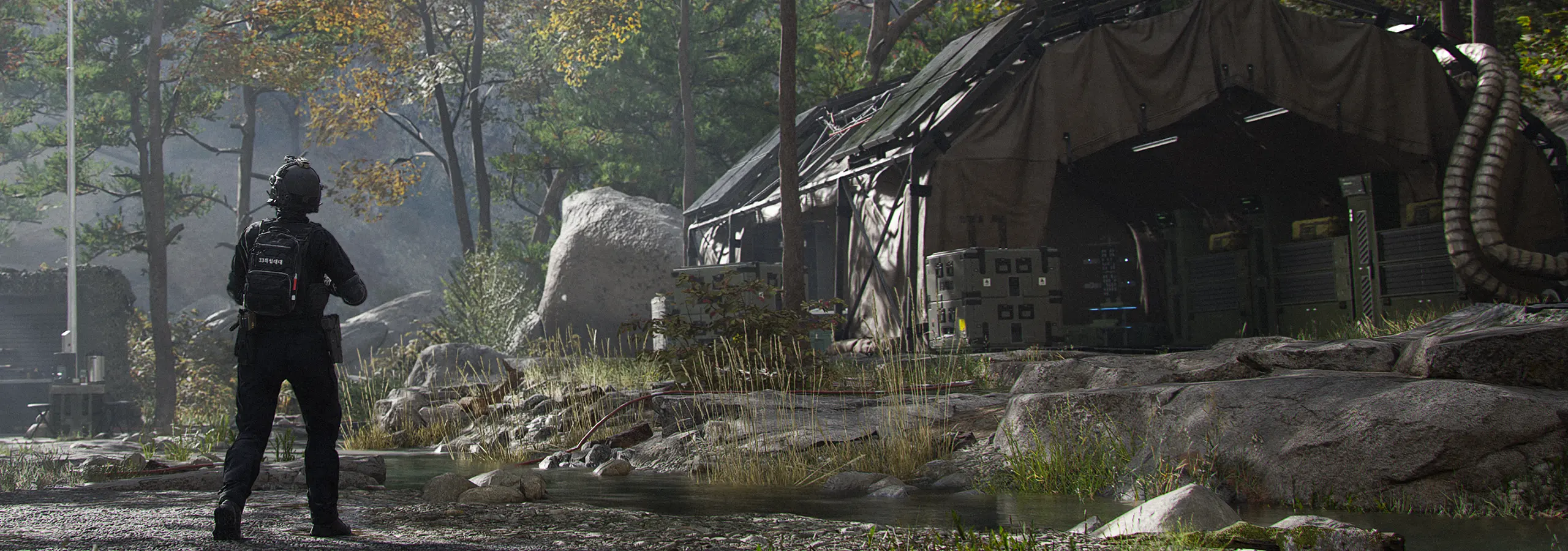
The official FOB guide places the 3D Printer at DMZ Player Level 2. It makes equipment and consumables, and its Upgrades category improves FOB services. Access to the printer does not unlock every recipe or printing category.
Recipes can be unlocked through DMZ Player Level, Orders or a recipe found in Hajin and successfully extracted. The guide says extracted recipes are consumed and added to the printer automatically; Weapon Manuals follow the same extraction-conversion principle.
Synthetics, Electronics, Chemicals and Metals are the four resource types. Eligible loot is broken down into these totals. They use a dedicated resource pouch in deployment and do not take ordinary Stash slots at the FOB.
Intact Printer Ingredients, such as Binding Catalyst or Biomaterials, remain items in the Backpack. Extract them successfully, then move them into the Stash. A large resource total cannot replace a missing intact ingredient.
The October 9 guide publishes the following starting recipes at DMZ Player Level 2. This is a source-dated starter set, not a complete live recipe database. Verify the current in-game card before spending.
Swipe sideways to see all columns.
| Item | Resources | Intact ingredients | Purpose |
|---|---|---|---|
| Bandage | 15 Synthetics + 15 Chemicals | None listed | Temporary restoration of maximum health while wounded |
| Medkit | 30 Chemicals | 1 Binding Catalyst + 5 Biomaterials | Repair wounds and restore health; supports recovery from Last Stand |
| 1-Plate Armor Vest | 25 Synthetics + 25 Metals | None listed | One armor-plate slot |
| 2-Plate Armor Vest | 50 Synthetics | 5 Reactive Metals | Two armor-plate slots |
| Small Backpack | 25 Synthetics + 25 Metals | None listed | More item capacity |
| Medium Backpack | 50 Synthetics | 5 Rigid Synthetics | More item capacity and Secure Slots |
Open the intended recipe and compare every input with your current owned count. Write down only the missing amount. For several copies, account for the full quantity and any planned upgrade that consumes the same supplies.
The printer shows owned ingredient counts in green when enough is available. It can print several copies when stock permits, sending the result to the Stash or directly to the Operator. Recheck remaining stock after each purchase.
Recipes and ingredients can be pinned into the Tracked category. Tracked ingredients receive pin indicators while looting. The printer can suggest general search areas for intact ingredients; the official guide distinguishes this from the more widely available resources.
Use that hint to pick a sensible area, then read the district’s threat and route. A location recommendation is not a guaranteed item in a particular container.
A collected intact ingredient is not yet stored at the FOB. Review squad condition, radiation and your current exit before extending a material run. Check Secure Slots where available, without assuming the entire Backpack is protected.
After a successful return, inspect recovered inventory, move ingredients into storage and reopen the recipe. The current inventory and recipe card should drive the next shortage list.
Official information reviewed October 19, 2026, before DMZ Early Access. This page covers published mechanics, not a first-hand playtest. The launch build may differ.
FAQ
The four broken-down resources have separate totals. Intact Printer Ingredients are stored as inventory items.
Yes. The official guide describes pinning recipes and ingredients, a Tracked category and loot pin indicators.
No. The table reproduces the six starting recipes described by the official October 9 guide; later recipes and live changes are outside that table.